Bring your org into the tools you already use.
Reach your documentation from any MCP client, publish and push to your trackers through connectors, and run on your own LLM. aprity lives in the portal and in your AI clients — the Salesforce side is admin-only configuration.
Use your org from any MCP client
aprity exposes a Remote MCP server, so Claude, ChatGPT, Cursor and any MCP-compatible client can query your documented org directly — grounded in the same deterministic analysis as the portal.
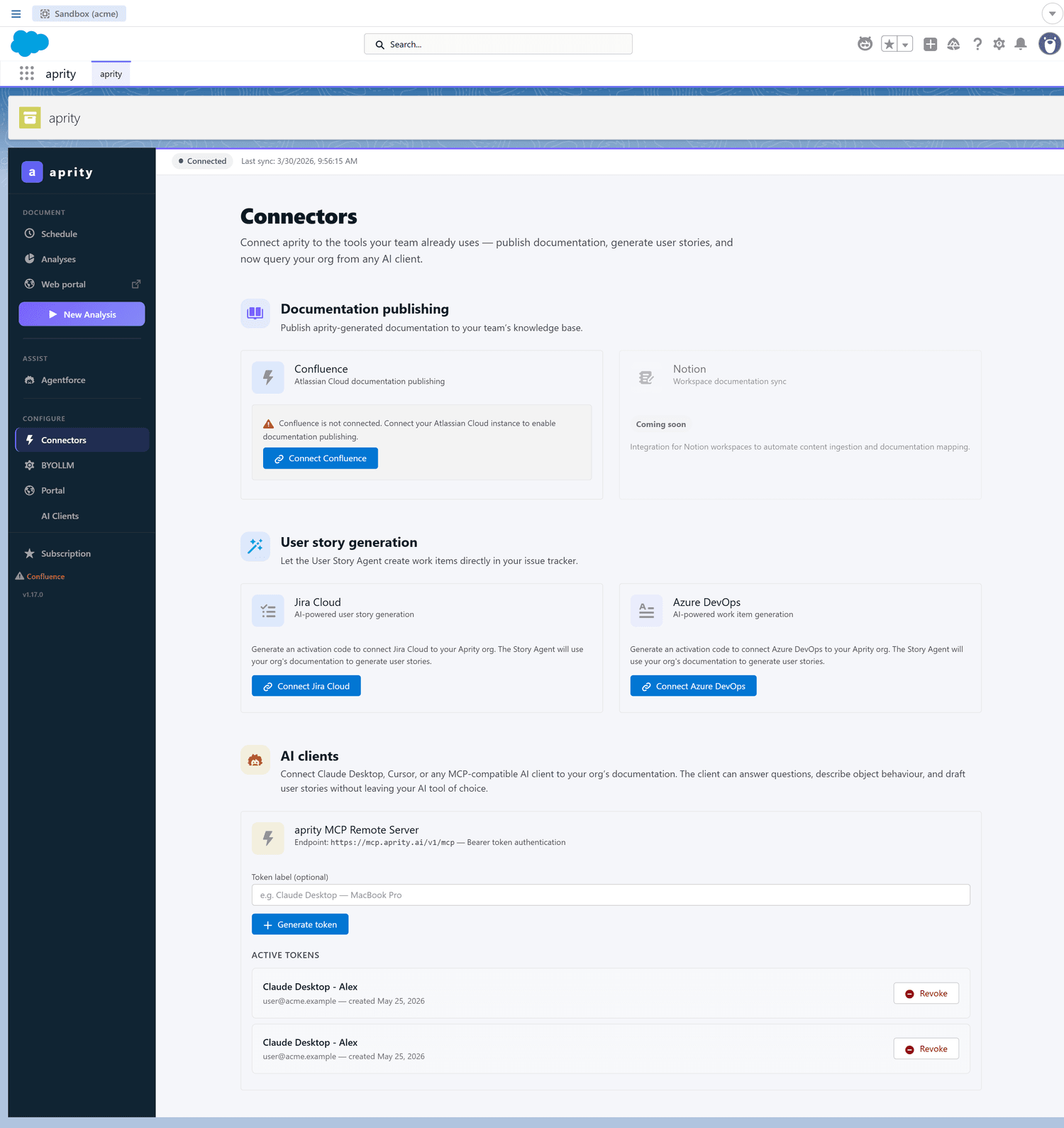
Publish docs and push stories where your team works.
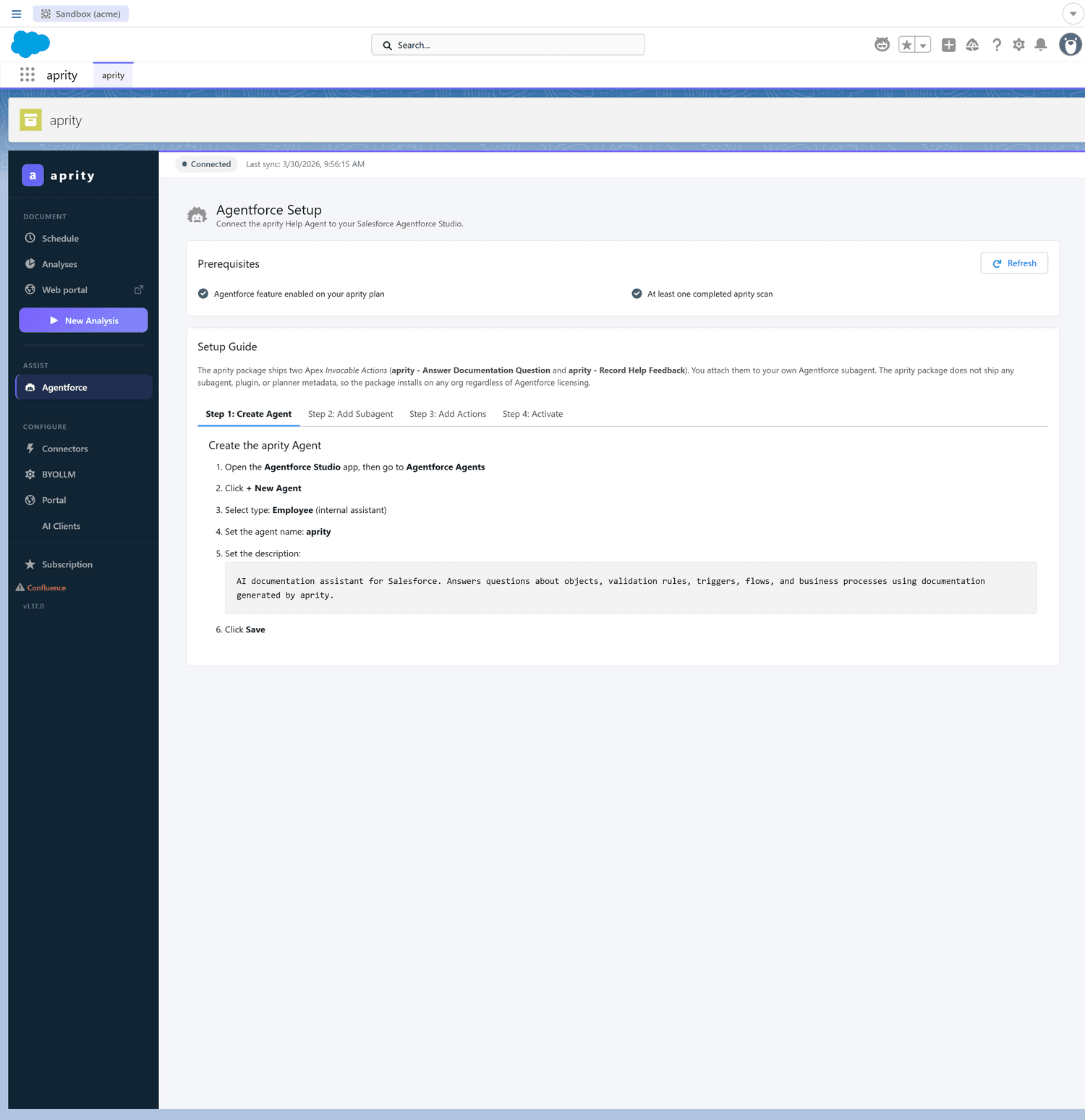
Connectors are activated with a code on the Intelligence plan. Agentforce is our highlight; Slack and Notion are on the way.
Run the agents on your own model
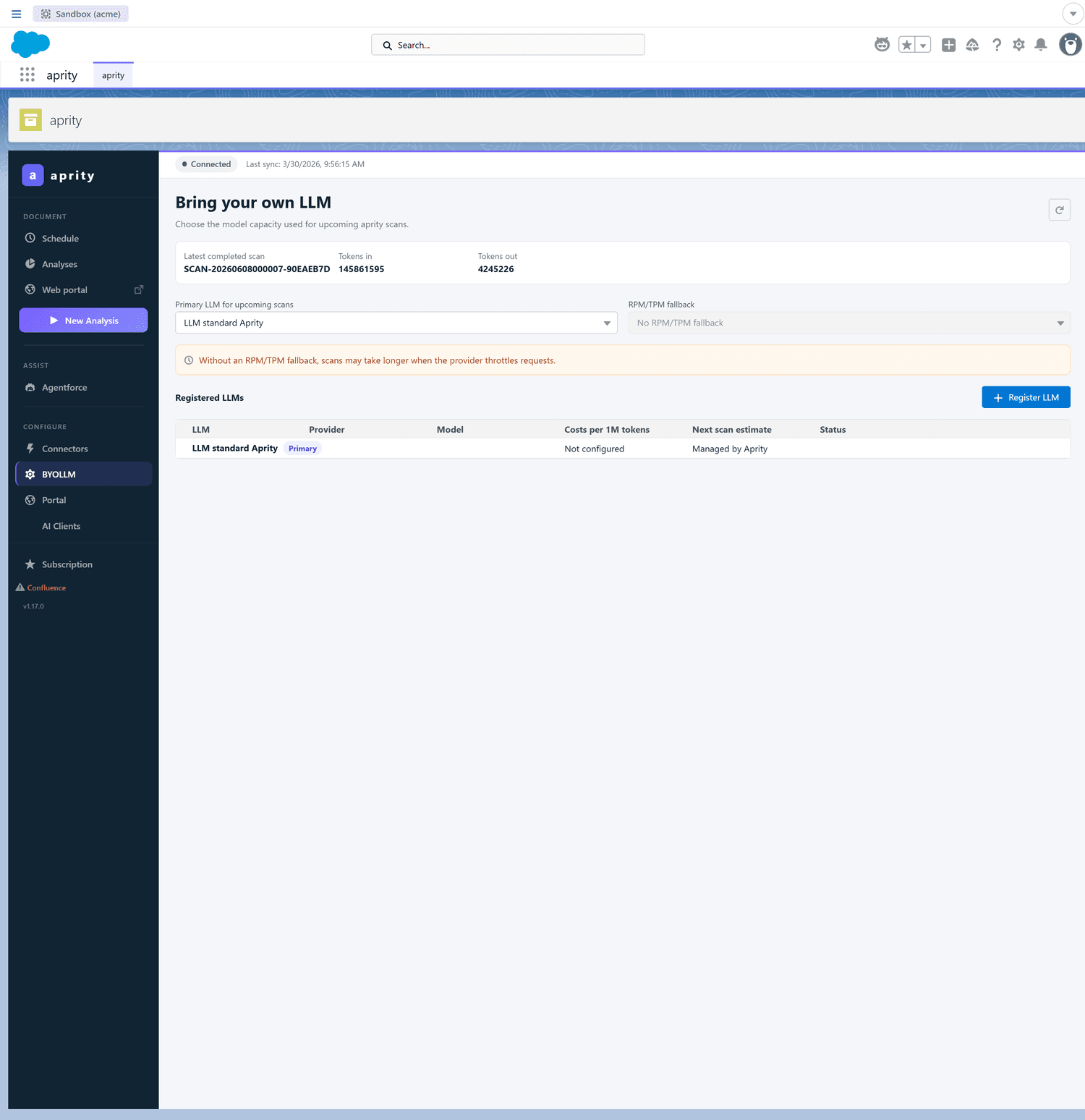
Point aprity at your own LLM provider and key for full control over which model runs and what it costs. The deterministic analysis stays exactly the same underneath.
- Cost control
- Your provider, model and API key
- Same deterministic analysis underneath
Intelligence plan only — not included in the free trial.
Configuration lives in Salesforce. The product lives in the portal.
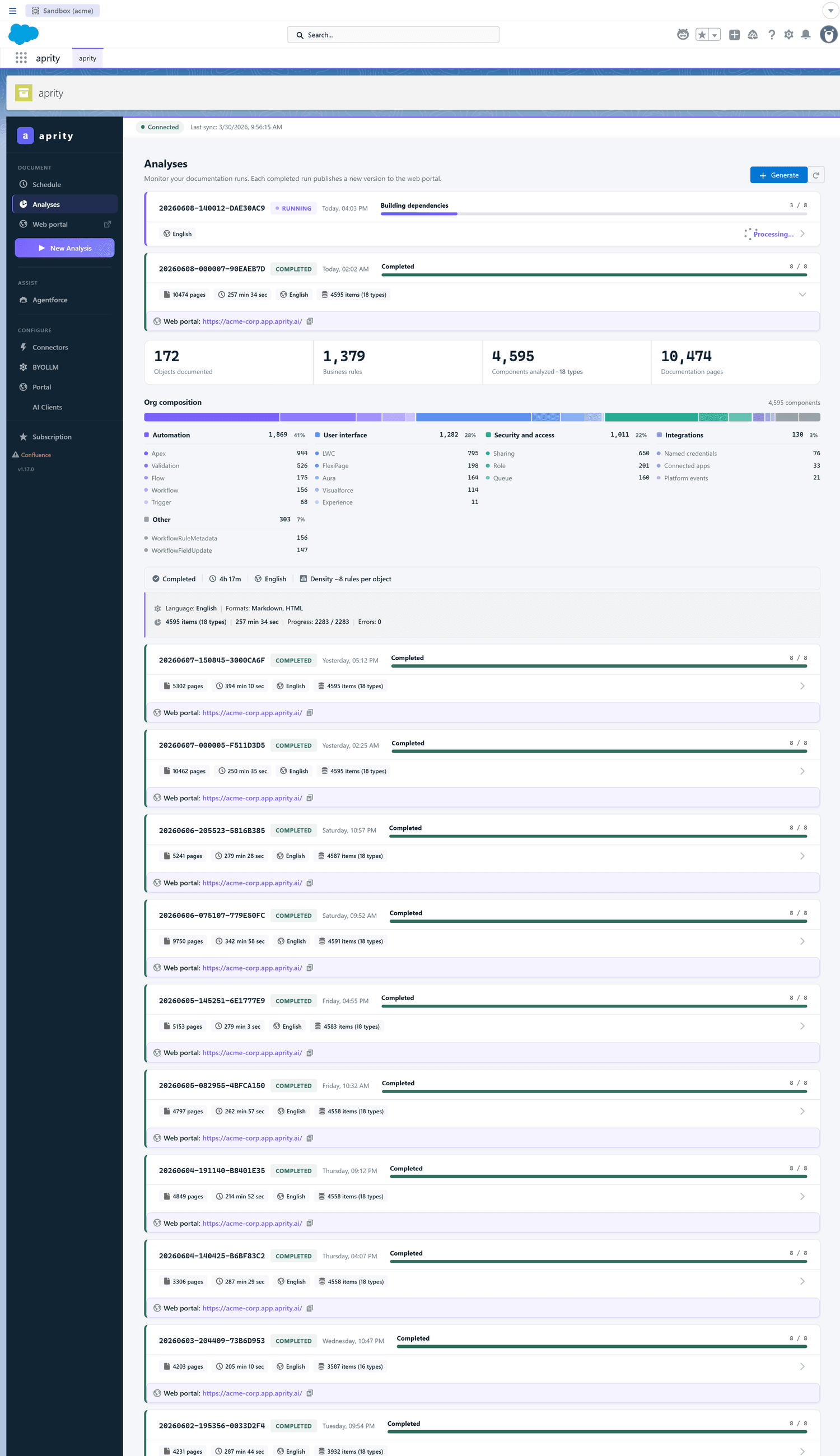
A Salesforce-side admin app handles configuration only — launching scans, activating connectors, and setting quotas. aprity is not an in-Salesforce UI: your team reads the documentation in the portal and through AI clients.
- Launch a scan
- Activate connectors
- Set quotas & access
Connect your org to everything.
MCP, connectors and BYOLLM are on the Intelligence plan. Try the agents and connectors free for 14 days.