Accelerate delivery on a documented org.
The agents sit on top of your deterministic documentation and cut the time spent on analysis, onboarding and specification. They answer with citations, draft review-ready user stories you push when your team approves, and generate targeted docs on demand. Through the MCP server, that same knowledge reaches your AI tools — Claude, ChatGPT, Cursor.
Your living documentation stays in the portal. It is always current and never shipped as a file. What you see below are targeted artifacts — a migration backlog, an on-demand doc, a set of user stories — that you generate when you need them and export to the tools you already use.
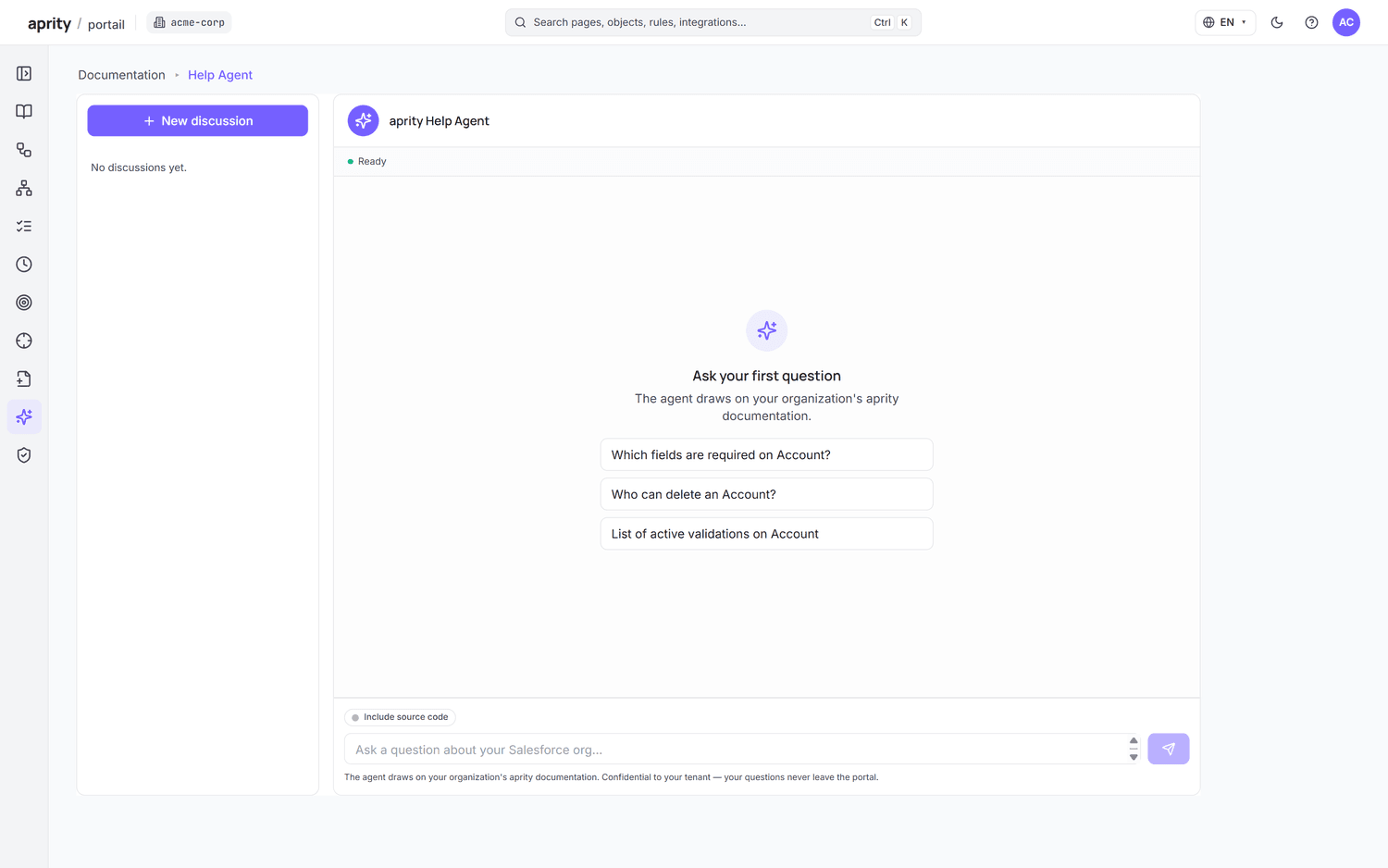
Cited answers, grounded in your org
Ask anything about your org in natural language. The Help Agent answers from your deterministic documentation and cites the exact objects, rules and processes behind every response — so you can verify, not just trust.
- Natural-language Q&A
- Citations to source docs
- Grounded in the deterministic graph
Draft user stories in the portal, push to your tracker
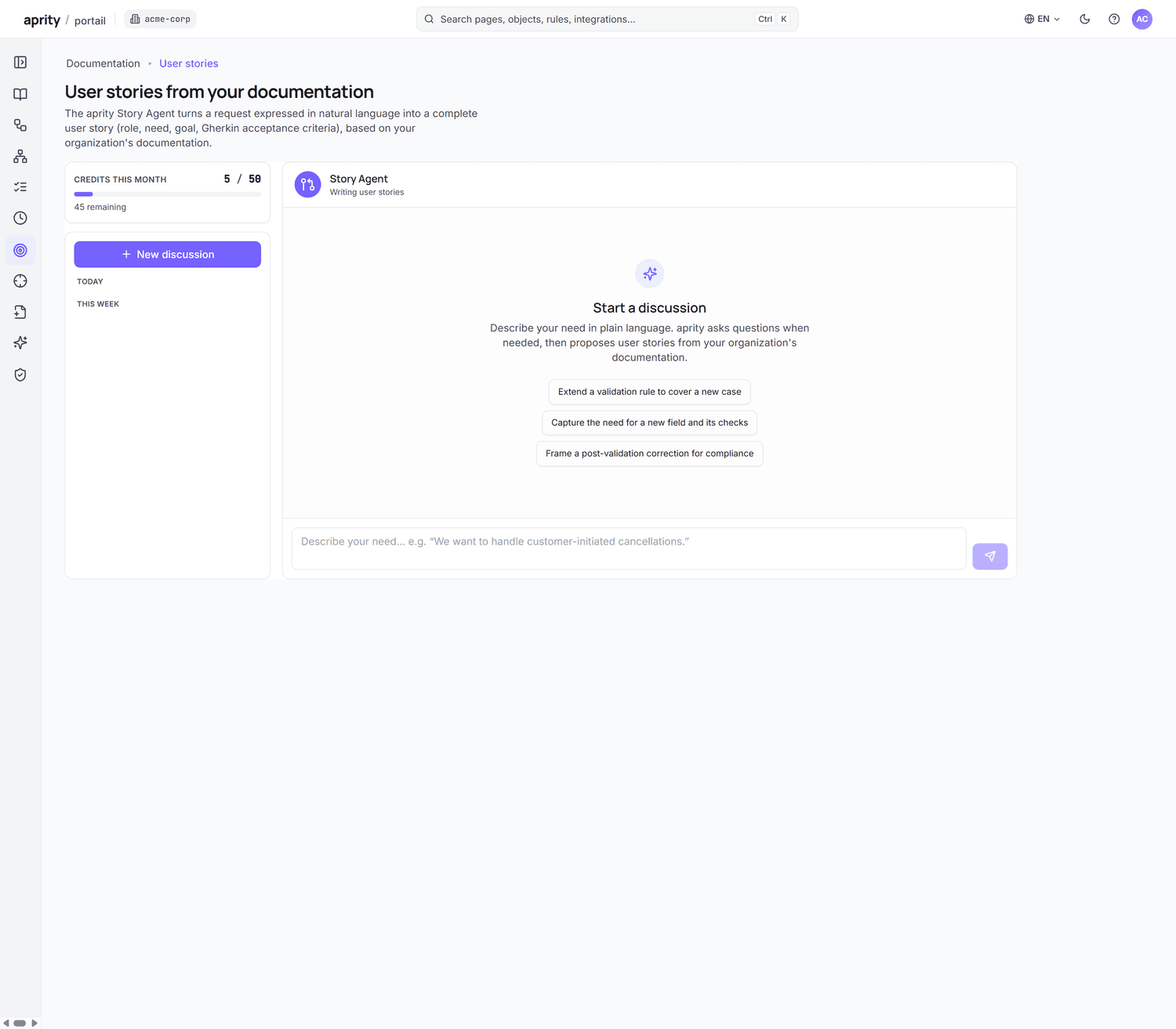
Describe what you want to build. The Story Agent drafts Gherkin user stories conversationally in the portal, grounded in how your org actually works. When they're ready, push them to Jira Cloud or Azure DevOps through the connectors.
- Conversational drafting in the portal
- Gherkin (Given / When / Then)
- Push to Jira Cloud or Azure DevOps
Stories are drafted in the portal and exported via connectors — there is no embedded Jira sidebar app.
Generate a targeted doc, export it
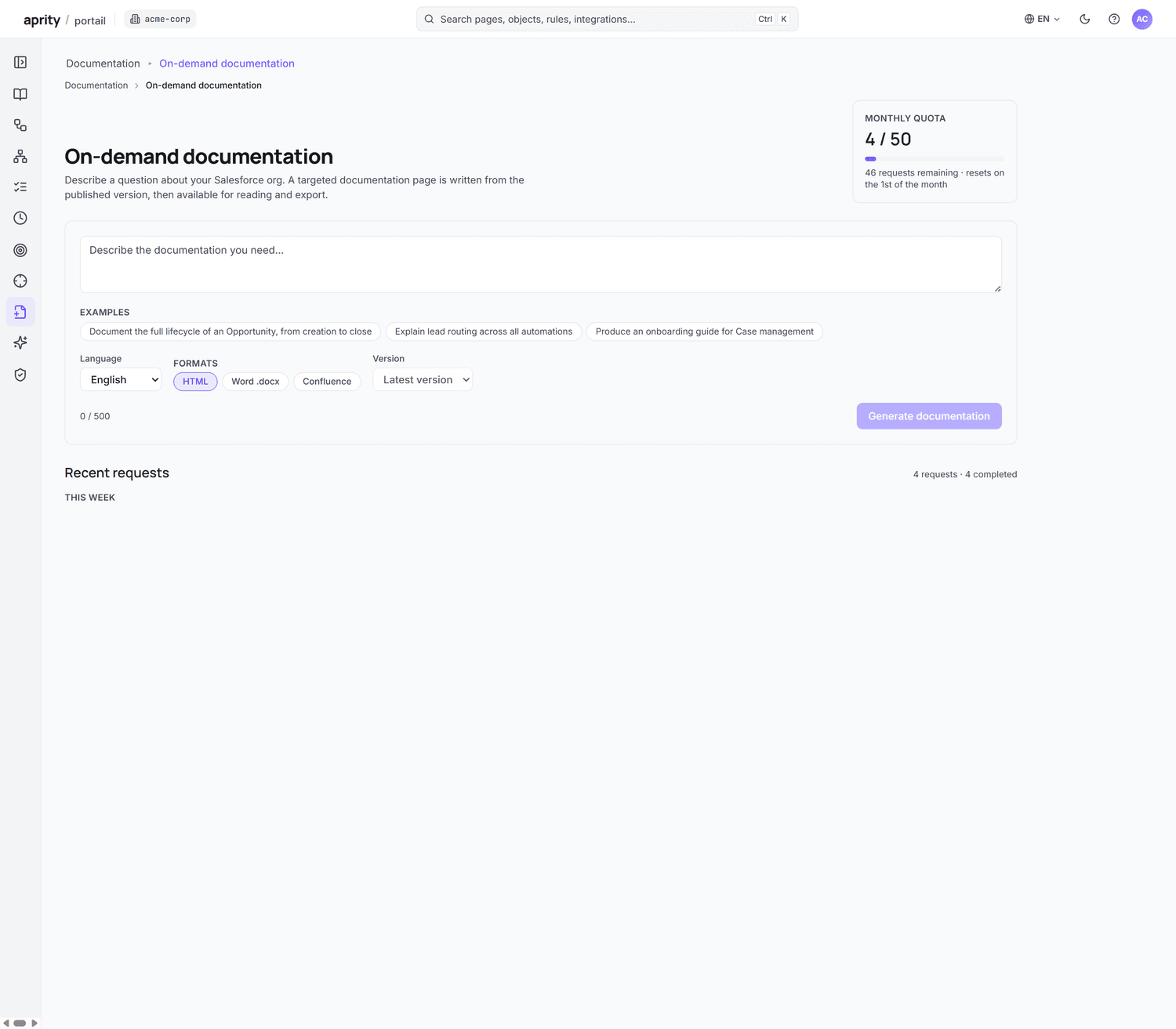
Need a shareable document for a specific object, process or scope? Generate it on demand and download it as HTML, Word, or a Confluence-ready file you paste into your space. The living portal stays the source of truth; this is a snapshot for people outside it.
- Generate for a chosen scope
- Download HTML · Word · Confluence-ready
- Per-page export — coming soon
Turn your org into an Epic → Feature → Story backlog
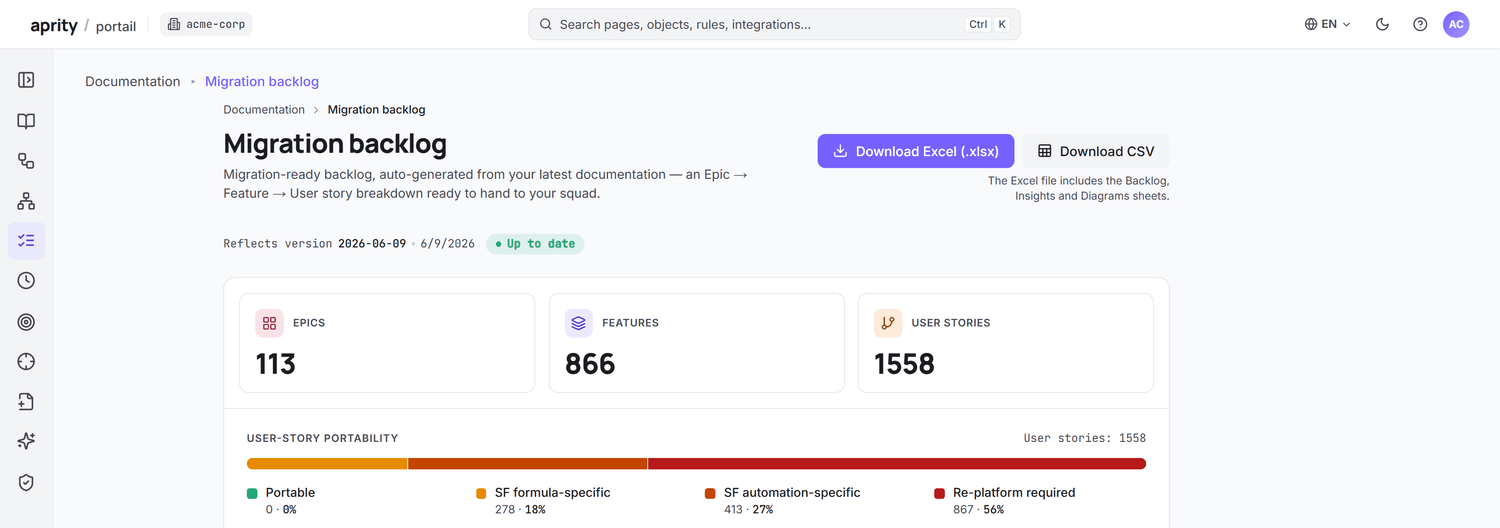
For migration and redesign work, aprity structures the existing org into a portable backlog — Epic → Feature → Story — with portability badges that flag how cleanly each item moves. Export the whole thing to Excel or CSV.
- Epic → Feature → Story
- Portability badges
- Export Excel · CSV